The direct answer
A pool automation and alert handover should settle which equipment is connected, which functions are automated, who owns the controller and account, what schedules and limits were commissioned, which alerts exist, who receives them, what depends on the internet or cloud, how manual control works and where maintenance responsibility begins. The objective is not to automate every possible function. It is to create a practical, fully coordinated, understandable system that operates compatible equipment predictably and directs useful information to someone able to respond. Commissioning proves the agreed functions; handover transfers control, records and support arrangements without turning the homeowner into an equipment technician.
Start with the equipment and compatibility schedule
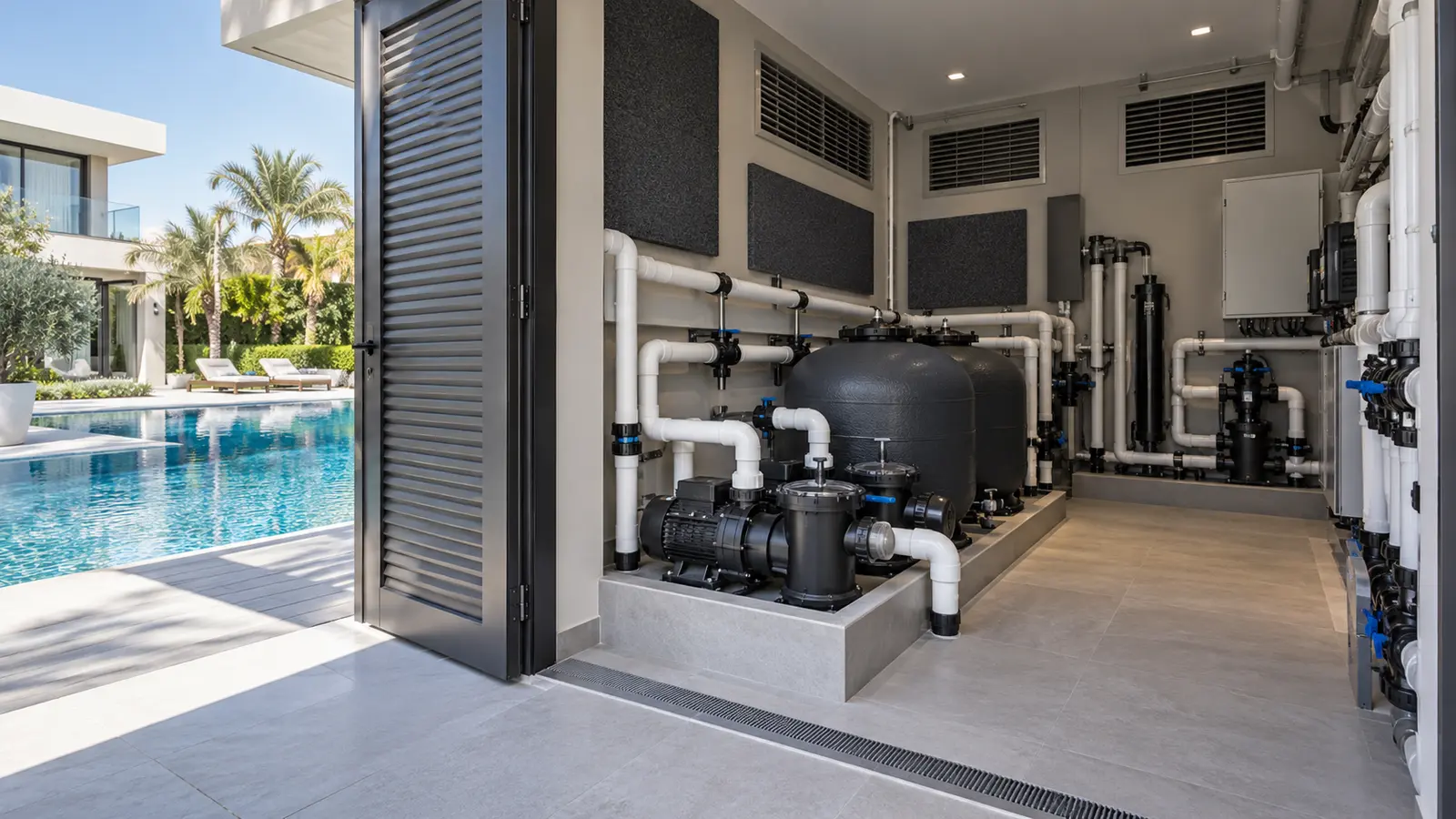
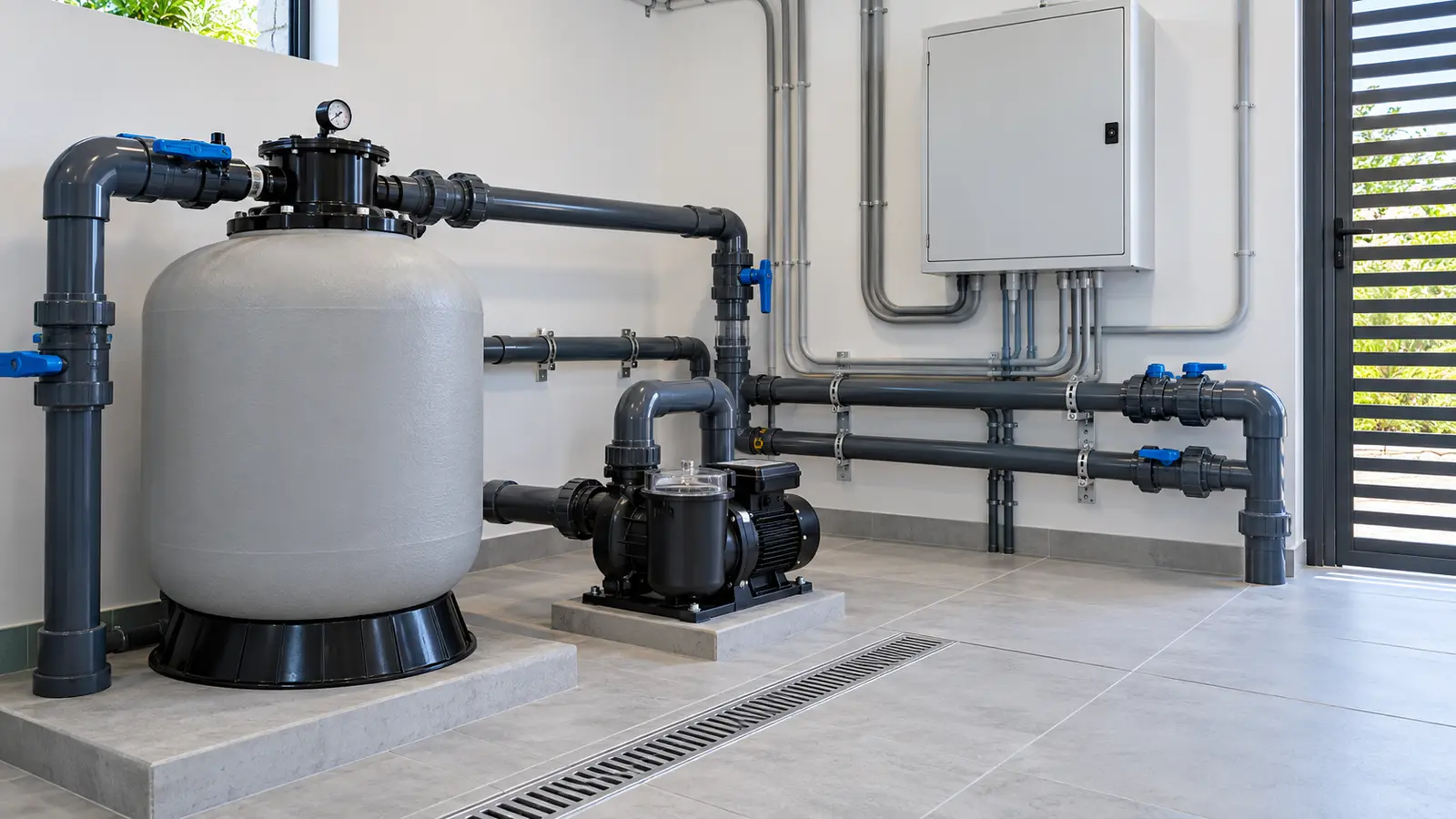
List every item the automation is expected to control or monitor: pumps, heating or cooling, lights, water features, valves, covers or compatible water-care equipment where included. Record manufacturer, model, current product data, controller interface and the party responsible for confirming compatibility. Do not treat a shared brand name as proof that every product generation and feature works together. Identify equipment that remains independent and explain how it is operated. If replacement is part of a renovation, compare electrical, hydraulic, communication and control interfaces before ordering. A clear schedule prevents the app screen from promising functions that the installed equipment cannot support.
- Controlled equipment and exact model
- Monitored status or measurement
- Required controller, interface or accessory
- Compatibility confirmation owner
- Independent equipment and manual operation
- Unresolved assumptions and decision date
Define useful automation rather than maximum automation
Write the operating outcome for each automation. A filtration schedule should reflect the specialist’s commissioned system settings; a lighting scene should state which circuits it controls; a heating request should show the available operating mode and limits. Avoid copying generic schedules from another pool. The pool volume, circulation design, equipment and use pattern differ. Separate owner conveniences from protective or maintenance functions, and never imply that an app setting replaces water testing or professional judgement. The relevant pool, electrical and equipment specialists should establish safe operating parameters and document them. The owner approves routines and access, not technical values outside their expertise.
Give every alert an owner and response
Modern pool systems may support app, email, text or dashboard notifications, depending on the exact product and configuration. Pentair’s published user guidance, for example, describes selectable notification methods and remote-monitoring options for compatible systems. This is evidence that such capabilities exist in particular products, not a promise that every pool controller offers them. For each commissioned alert, record the trigger in plain language, recipient, priority, first response and escalation contact. Remove alerts with no meaningful action. Distinguish an informational status from a condition that needs prompt specialist attention, and avoid instructing an owner to open or repair equipment.
- Alert name and supported trigger
- Primary recipient and backup
- Plain-language meaning
- Safe first response
- Specialist escalation route
- Method for testing and acknowledging the alert
Transfer accounts, access and dependencies
The owner should control the primary account or identity used for the installed system. Record household administrators, everyday users and any pool-professional remote access. Transfer access through the platform’s supported invitation or ownership process rather than circulating passwords in the handover manual. Document network, internet, cloud, subscription and vendor-app dependencies, plus the expected behaviour if one is unavailable. Confirm how temporary installer access is removed and how a future owner or support provider can be added. The handover record should say that credentials were transferred and tested without exposing those credentials in a widely shared document.
Planning example
Planning example: a fictional villa pool renovation adds a compatible variable-speed pump, lighting controller and remote-monitoring interface. The first commissioning list includes every available notification. During review, the owner finds that several status messages repeat information and have no response. The team retains a small set of actionable equipment alerts, assigns the owner as primary recipient and records the pool specialist as the escalation contact. The primary account is transferred from the project address, and temporary installer access is removed after testing. A witnessed test confirms schedules, lights, the selected alerts, app access and the agreed manual-control route. Water-care checks remain in the maintenance plan rather than being presented as fully automated.
Handover checklist
Complete the checklist with the responsible specialists present. Record product references, software or firmware information where relevant, controller settings, test date and outstanding actions. Keep the handover with the pool asset records and update it when equipment, network details or support access changes. Installation, fault finding and electrical or hydraulic work remain specialist tasks.
- Connected equipment matches the compatibility schedule
- Schedules and control limits are recorded
- Each alert has a recipient and response
- Primary account ownership is transferred
- Temporary and support access are documented
- Internet, cloud and subscription dependencies are explained
- Manual and degraded-mode operation is demonstrated
- Outstanding defects have owners and retest dates
Limits and the next step
Automation cannot guarantee water quality, prevent every equipment fault or replace competent maintenance. Remote data may be delayed, unavailable or dependent on services outside the owner’s control. Capabilities can also change by model, region and software version, so use current manufacturer information for the exact system. The next step is to add an automation-and-alert schedule to the equipment package before final commissioning. Ask the specialist to identify compatible functions, proposed settings, dependencies and witnessed tests. Include a short owner demonstration, a controlled alert test and a record of any function intentionally left outside the system. Confirm who updates the document when equipment or access changes, and store it with manuals and service records. The owner can then simplify notifications, approve access and accept a system whose boundaries are as clear as its conveniences.
Sources & further reading
Make this useful for your project.
A review of your property and priorities can turn general guidance into a defined brief.
Explore Pool equipmentDiscuss your project